
A Beginner's Guide to Using Unit Converters Effectively (2025)

🔧 Handles Complex Units
Easily convert between uncommon or compound units that would be difficult to calculate manually.
🌍 International Collaboration
Bridge communication gaps in global work, travel, and trade by quickly converting between different measurement systems.
Real-World Benefits:
- • Academic Success: Complete assignments faster with accurate conversions
- • Professional Efficiency: Handle international projects with confidence
- • Travel Convenience: Understand local measurements and currencies
- • Cooking Success: Follow international recipes accurately
- • Shopping Intelligence: Compare products across different measurement systems
How to Use a Unit Converter Effectively

Using a unit converter effectively involves more than just entering numbers and selecting units. Following a systematic approach ensures accuracy, efficiency, and reliable results for all your conversion needs.
Professional Calculation and Reference Tools
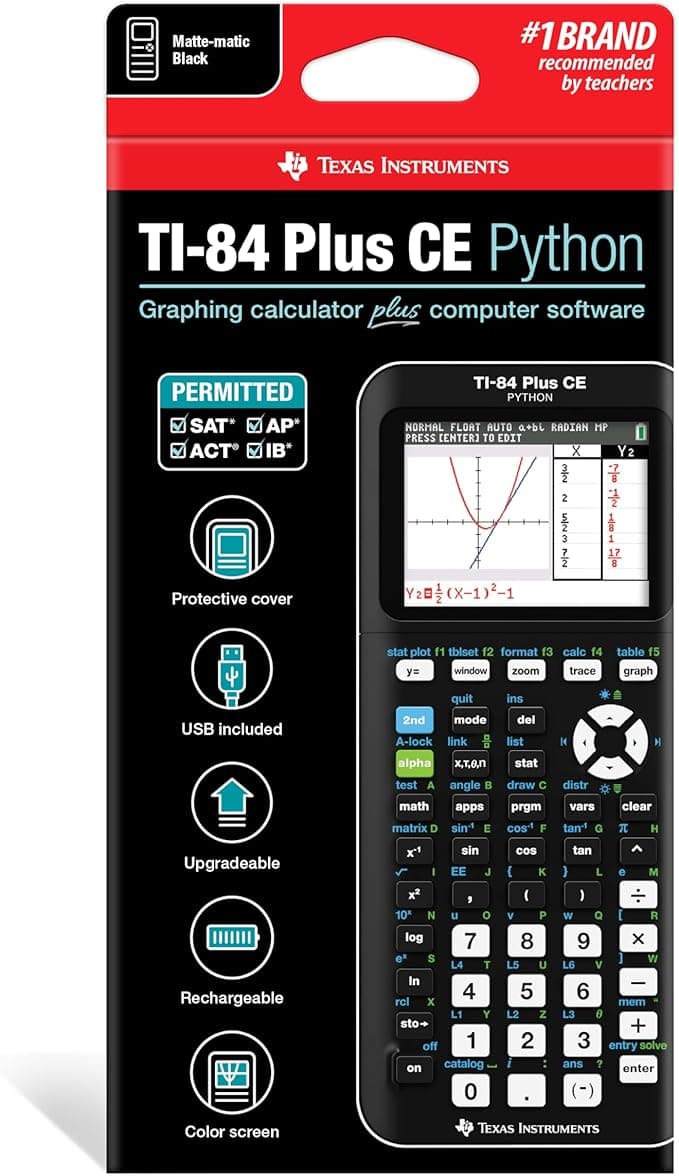
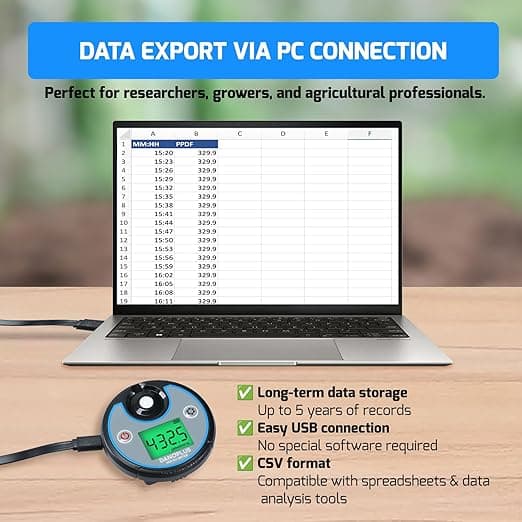
PAR Meter 2 in 1 PAR DLI Meter with Data Logging, Record and Export 5 Years of Data, 400-700nm PPFD Meter Sunlight Meter Measure PPFD and DLI (Daily Light Integral), Light Measurement Tool for Plants
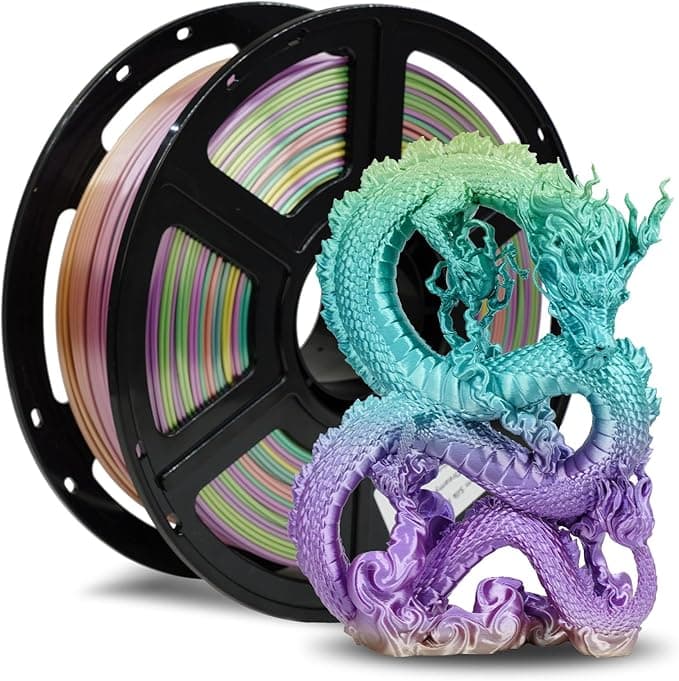
FLASHFORGE Silk PLA Filament 1.75mm, 3D Printer Filament 1kg (2.2lbs) Spool, Smooth and Silky Texture 3D Printing Filament, Dimensional Accuracy +/- 0.02mm
Step 1: Choose the Right Tool
Select a reliable unit converter that meets your specific needs. Look for tools with up-to-date conversion factors, good user reviews, and comprehensive unit coverage. Consider whether you need online or offline functionality.
Selection Criteria:
- • Reputation and user reviews
- • Regular updates and maintenance
- • Coverage of required unit categories
- • User interface clarity and ease of use
- • Additional features (history, favorites, batch conversion)
Step 2: Select the Correct Units
Carefully choose your source (from) and target (to) units. Pay attention to similar-sounding units that have different values, such as US gallons versus UK gallons, or fluid ounces versus weight ounces.
Common Unit Confusions to Avoid:
- • US vs Imperial gallons (3.79L vs 4.55L)
- • Fluid ounces vs weight ounces
- • Short ton vs metric ton vs long ton
- • Celsius vs Fahrenheit temperature scales
- • Pounds (weight) vs pounds-force (force units)
Step 3: Input Values Carefully
Enter your numerical values with attention to detail. Double-check decimal points, ensure you're using the correct number format, and verify that your input makes sense for the context.
Input Best Practices:
- • Use appropriate decimal precision for your needs
- • Avoid unnecessary leading zeros
- • Check for typos in large numbers
- • Understand scientific notation if using it
Step 4: Understand the Output
Review the converted result carefully. Ensure it's in the format you need and makes logical sense. Consider whether the precision level is appropriate for your application.
Output Verification:
- • Check if the result magnitude makes sense
- • Verify units are correct in the output
- • Consider appropriate significant figures
- • Round to practical precision for your use case
Step 5: Double-Check Critical Calculations
For important applications like engineering calculations, medical dosages, or financial transactions, always verify results using alternative methods or multiple tools.
Verification Methods:
- • Use a different converter to cross-check
- • Perform reverse conversion to verify
- • Compare with known approximate relationships
- • Consult authoritative reference sources
Common Mistakes to Avoid

Even experienced users can fall into common traps when using unit converters. Understanding these mistakes helps you avoid errors and ensures more reliable results in your conversions.
❌ Not Checking Unit Type (Imperial vs Metric)
Confusing different measurement systems can lead to significant errors. Always verify you're using the correct unit system for your context.
❌ Using Outdated or Unreliable Websites
Some conversion websites may have outdated databases, incorrect formulas, or poor maintenance, leading to inaccurate results.
❌ Ignoring Rounding and Precision Differences
Different converters may round results differently, and using inappropriate precision can lead to compounding errors.
❌ Entering Values in the Wrong Field (From/To Confusion)
Mixing up the source and destination units can result in inverse conversions, leading to dramatically incorrect results.
Features to Look For in a Good Unit Converter

Not all unit converters are created equal. The best tools combine accuracy with user-friendly features that enhance productivity and provide a superior conversion experience. Here are the key features to prioritize when choosing your converter.
🌐 Wide Range of Units
Look for converters that cover multiple categories including common units and specialized ones like data storage or time conversions for various fields and applications.
📱 Mobile-Friendly Design
Responsive design that works seamlessly across smartphones, tablets, and desktop computers with touch-optimized interfaces.
🔄 Bulk/Batch Conversions
Ability to convert multiple values at once or perform series of related conversions for efficiency in professional work.
📴 Offline Mode
Functionality that works without internet connection for reliable access in remote locations or poor connectivity areas.
🕐 Built-in History
Automatic saving of recent conversions for easy reference and repetition of common calculations.
🎯 Accuracy & Precision
High-precision calculations with configurable decimal places and support for scientific notation when needed.
Additional Desirable Features:
- • Dark mode support for comfortable viewing
- • Keyboard shortcuts for power users
- • Custom unit creation for specialized needs
- • Export functionality for reports and documentation
- • Multi-language support for international users
- • API access for developers
- • Educational content with conversion explanations
- • Regular updates and active maintenance
Frequently Asked Questions
Are online unit converters accurate?
Most reputable online unit converters are highly accurate, using standard conversion factors from official sources like NIST (National Institute of Standards and Technology). However, accuracy depends on the tool's database quality and regular updates. Always use trusted sources for critical calculations and cross-verify important results.
Can I use a unit converter without internet?
Yes, many mobile apps offer offline functionality by downloading conversion databases to your device. Popular options include "Unit Converter Pro" and "Convert Units Free." Some browser-based tools also cache data for offline use. Download reliable converter apps for field work or areas with limited connectivity.
What's the best free unit converter app?
Several excellent free options exist: UnitConvertNow.com offers comprehensive online conversion with 70+ categories, Google's built-in calculator provides quick conversions through search, and Convert Units Free offers a clean mobile interface. Choose based on your specific needs, user interface preferences, and required unit categories.
How do I know which unit converter is trustworthy?
Look for converters that cite their sources, are regularly updated, have good user reviews, and are affiliated with reputable organizations or educational institutions. Avoid converters with excessive advertisements, suspicious pop-ups, or requests for unnecessary permissions. Cross-check results with multiple tools for critical calculations.
Should I round conversion results?
Rounding depends on your application's precision requirements. For everyday use, 2-3 decimal places are usually sufficient. Scientific and engineering applications may require higher precision. Never use more precision than your original measurement justifies, and consider significant figures when reporting results.
Can unit converters handle compound units?
Yes, advanced unit converters can handle compound units like speed (miles per hour to meters per second), density (pounds per cubic inch to kilograms per cubic meter), and pressure (pounds per square inch to pascals). Look for converters that specifically support the compound units you need, as not all tools offer this functionality.
Conclusion
Mastering unit converters is a valuable skill that enhances productivity, improves accuracy, and facilitates better communication in our interconnected world. By understanding the different types of converters, following best practices, and avoiding common mistakes, you can harness these powerful tools effectively for any conversion challenge.
Remember that while digital converters provide incredible convenience and accuracy, understanding basic manual conversion principles serves as a valuable backup skill and deepens your comprehension of measurement relationships. Whether you're working with basic units like angles or specialized measurements like frequency and wavelength, the combination of digital efficiency and fundamental knowledge creates the most robust approach to unit conversion.
Practical Measurement and Conversion Solutions
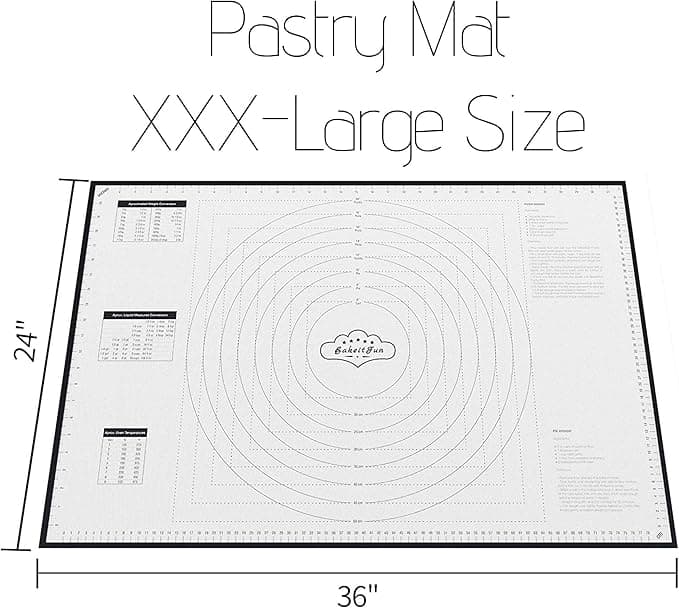
Extra Large Silicone Baking Mat – Non-Stick Pastry Mat with Measurements, Conversion Charts & Heat Resistance – Reusable Food-Grade Silicone for Dough Rolling, Pizza & Baking
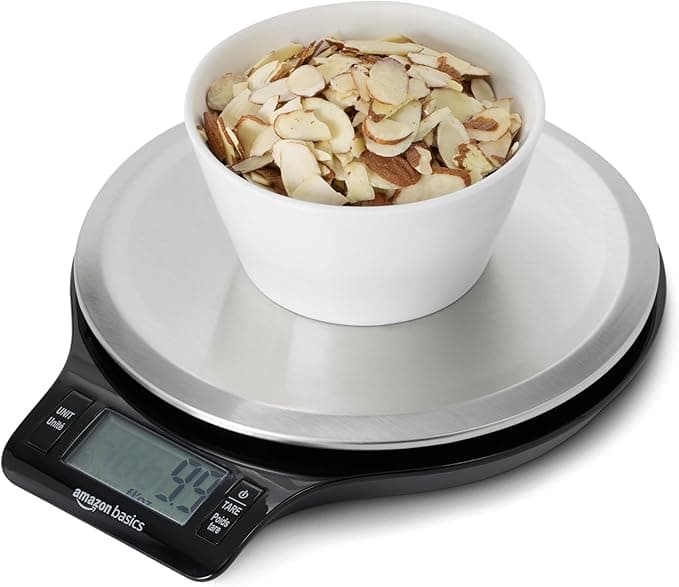
Amazon Basics Digital Kitchen Scale with LCD Display, Batteries Included, Weighs up to 11 pounds, Black and Stainless Steel
Key Takeaways for Effective Converter Use:
- • Choose reputable, regularly updated conversion tools
- • Always verify unit types and input accuracy
- • Cross-check critical calculations using multiple methods
- • Understand precision requirements for your specific application
- • Keep backup options (offline apps, manual methods) available
- • Stay informed about updates and new features in your preferred tools